Email Monitoring Alerts Across Your Email Environment
EasyDMARC continuously watches the signals across your email environment and alerts your team when a change becomes operationally important.
- Continuous monitoring
- Condition-based alerts
- Workflow routing
Set Alerts for DNS, Authentication, Reputation, and Sending Changes
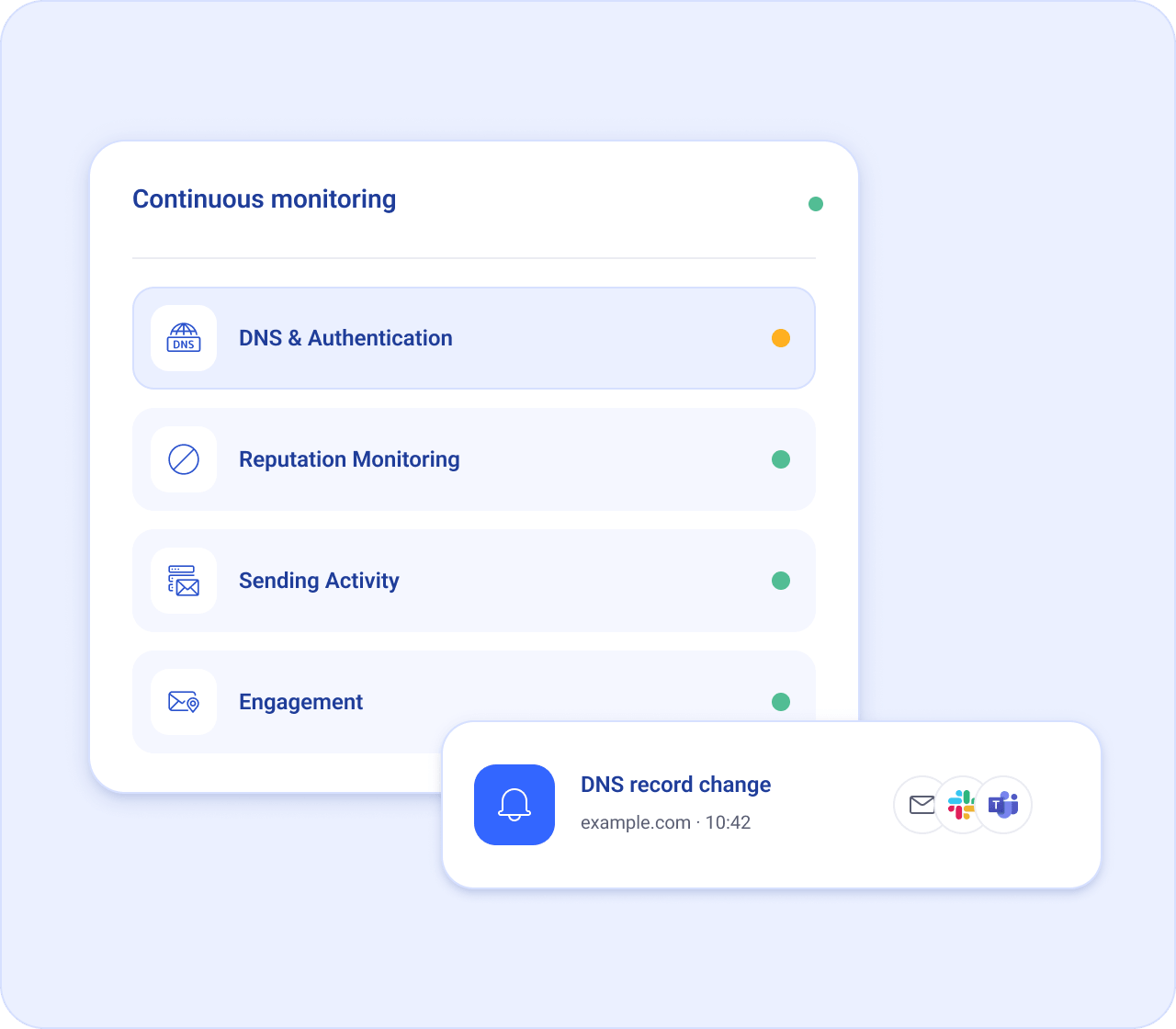
Set conditions across your email environment and get notified when something changes, from DNS records and sending activity to reputation, engagement, certificates, uptime, and DNS insights.
DNS & Authentication
Know when important DNS records change across your domains.
Reputation Monitoring
Know when your domain or sending infrastructure hits a blocklist or shows signs of reputation issues.
Sending Activity
Catch changes in sending patterns or unexpected outbound email volume.
Engagement
Spot meaningful changes in how recipients interact with your email.
Turn continuous monitoring into operational rules
Choose the conditions that turn a signal into an alert based on the change, threshold, activity, or timeframe you want to monitor.
-
Conditions
Choose the event or change that should trigger an alert.
-
Thresholds
Set the level at which a signal should trigger a notification.
-
Timeframes
Define when or how long a condition should be monitored.
-
Severity
Set the urgency level for the alerts your team receives.
Bring alerts into your workflow
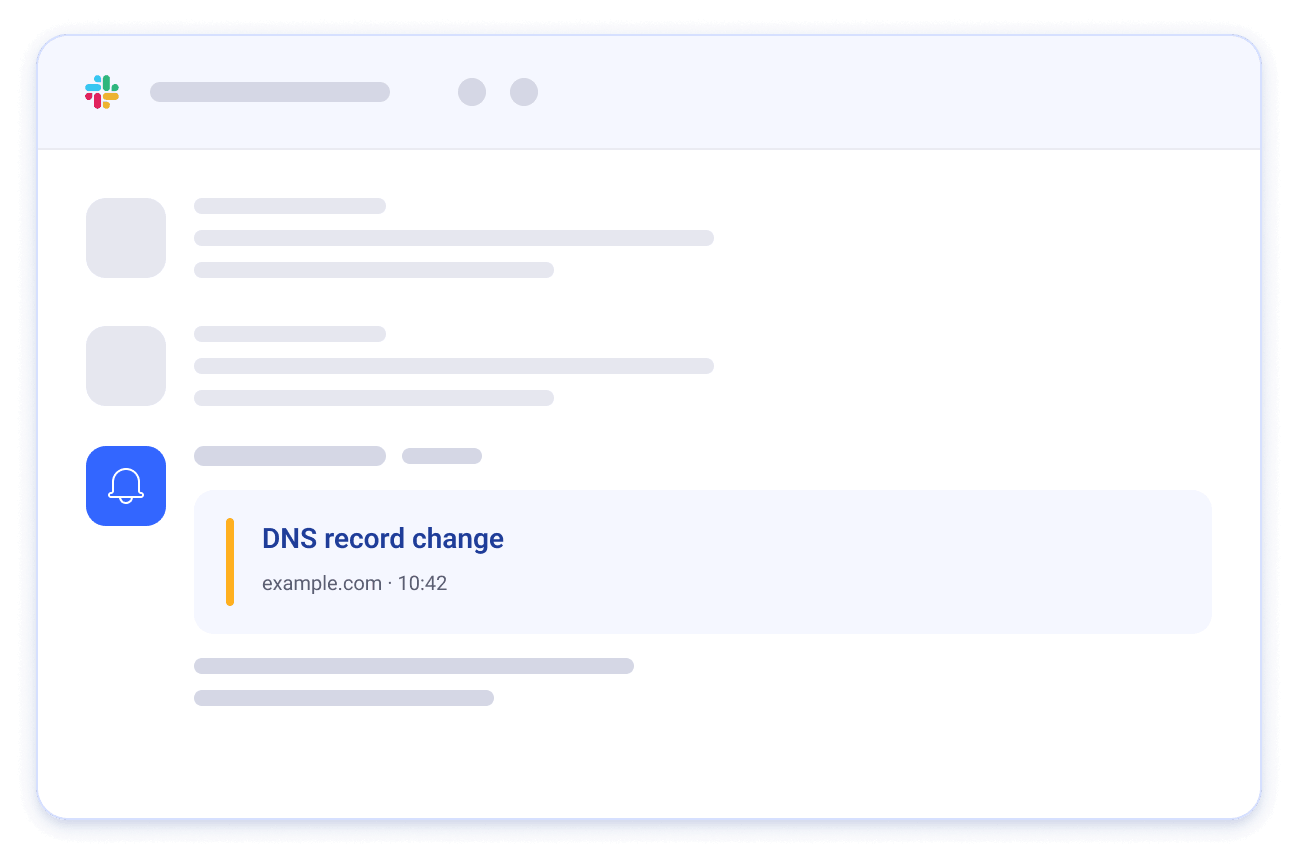
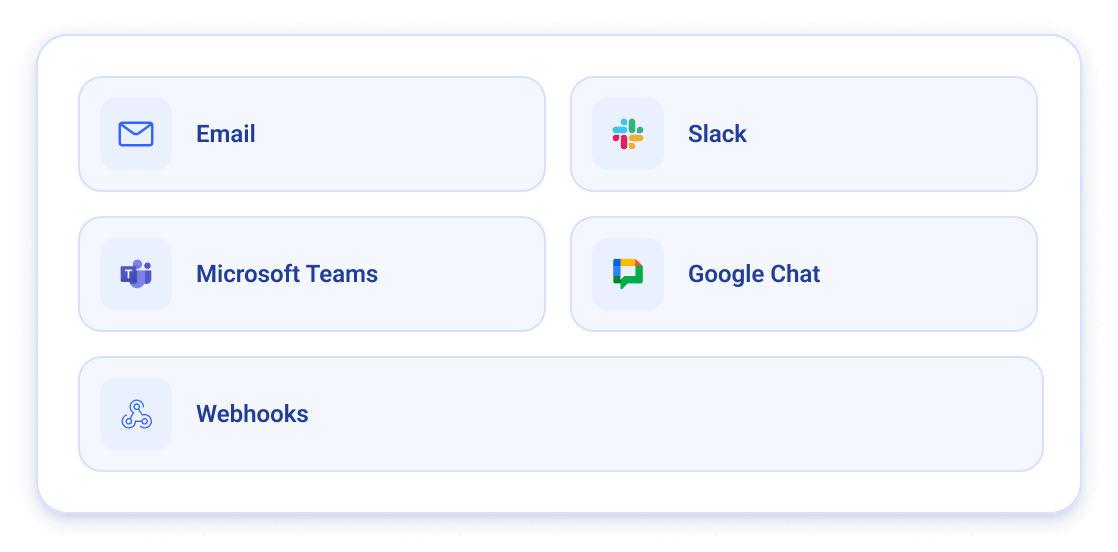
Choose how your team receives alerts; by email or through the tools you already use. Connect Slack, Microsoft Teams, Google Chat, webhooks, and more to bring important signals directly into your existing workflows.
Explore our integrations to connect alert notifications with the tools your team uses.
A Unified View Across Your Environment
Alerts can come from different parts of your email environment, but your team shouldn't have to track them separately. EasyDMARC brings triggered alerts into one unified view, giving you the context to see what happened, where it happened, and when.
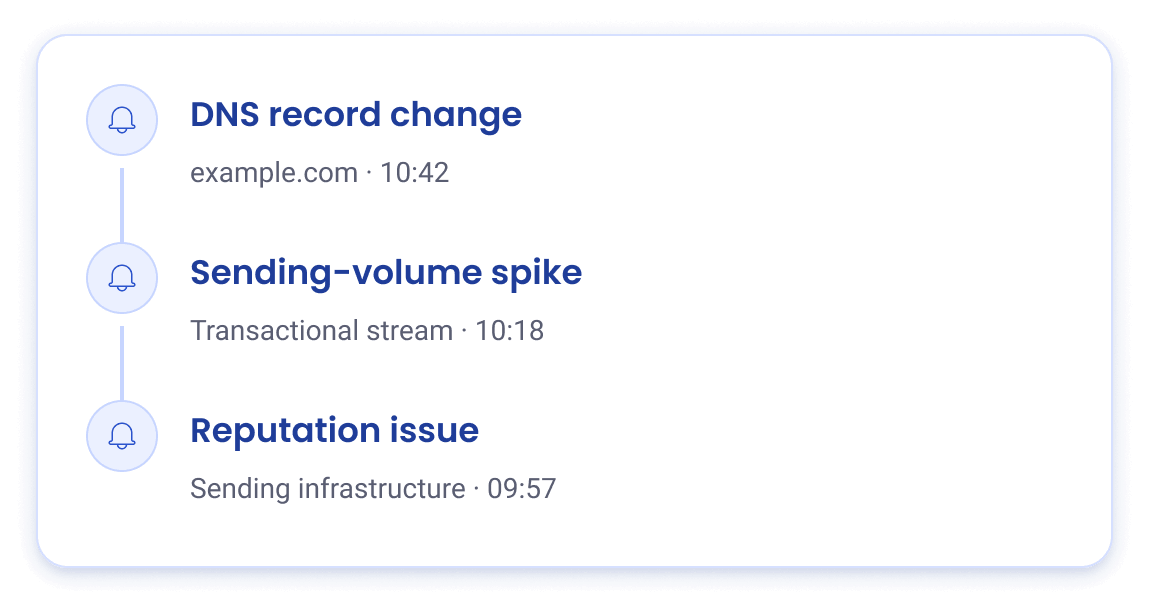
From a DNS change to a sending-volume spike or a reputation issue, every triggered alert stays visible in one place so your team can keep track of what needs attention across the environment.