BIMI Reporting: See where BIMI is working.
Measure receiver-reported brand impressions, provider coverage, and the gap between DMARC authentication and BIMI outcomes.
- Reported brand impressions by provider
- Provider coverage and outcome trends
- Authentication-to-BIMI funnel for investigation
No credit card needed
Already deployed BIMI? This page is about what happens after configuration.
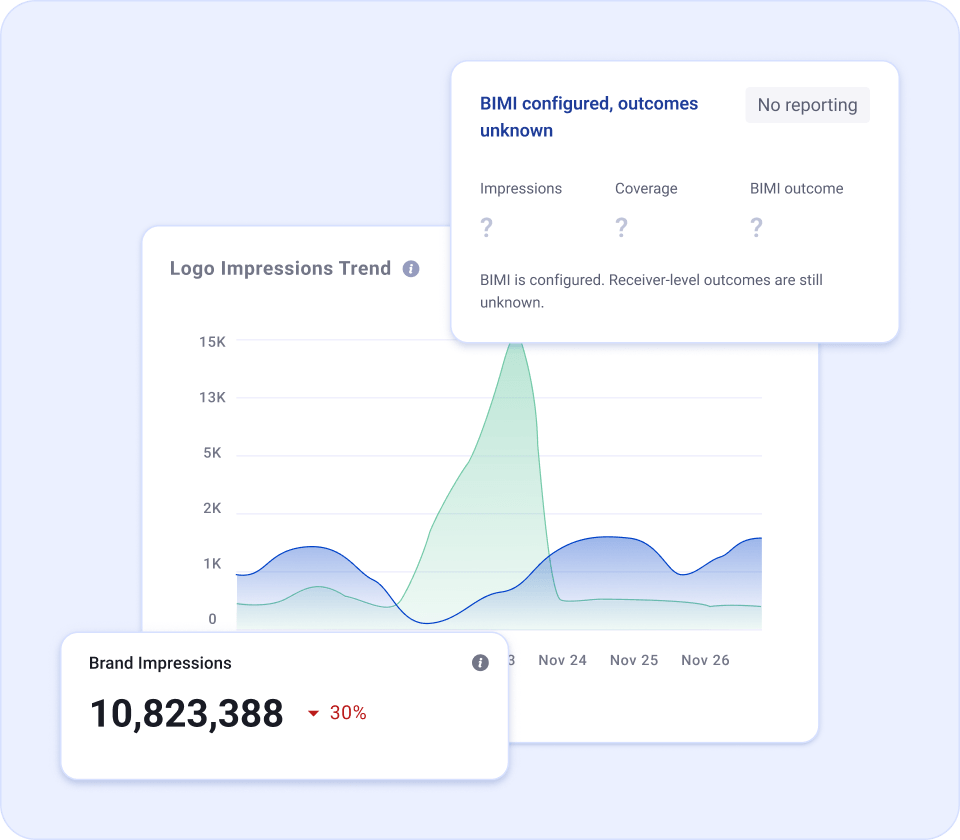
A valid BIMI setup does not tell you what receivers are reporting.
DNS and certificate checks confirm configuration. BIMI Reporting adds the provider-level outcome data you need after deployment.
BIMI is set up correctly.
- DMARC is at enforcement
- The BIMI record resolves
- The logo and certificate are available
What participating receivers report next.
- Reported brand impressions
- Provider-level coverage
- Outcome trends and failures
- Authentication-to-BIMI gaps
Four views. One answer: what is happening after BIMI deployment?
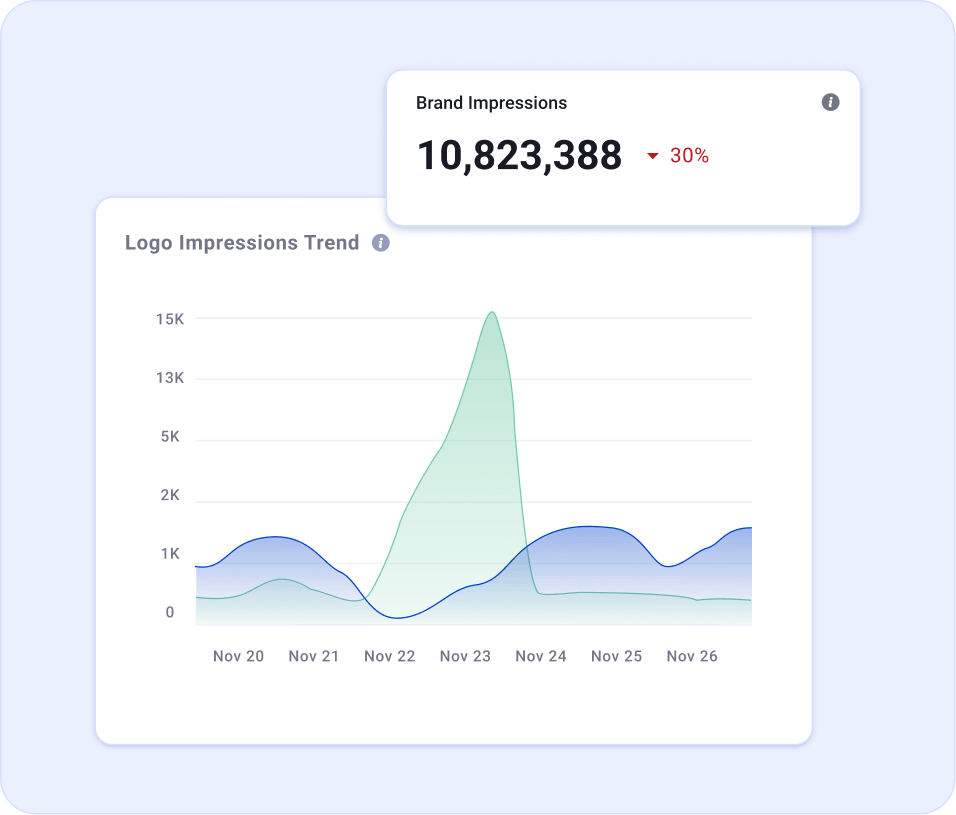
See the BIMI volume receivers report.
Track reported brand impressions over time and see which participating providers contribute to the total.
- Total reported impressions
- Provider-level breakdown
- Period-over-period trend
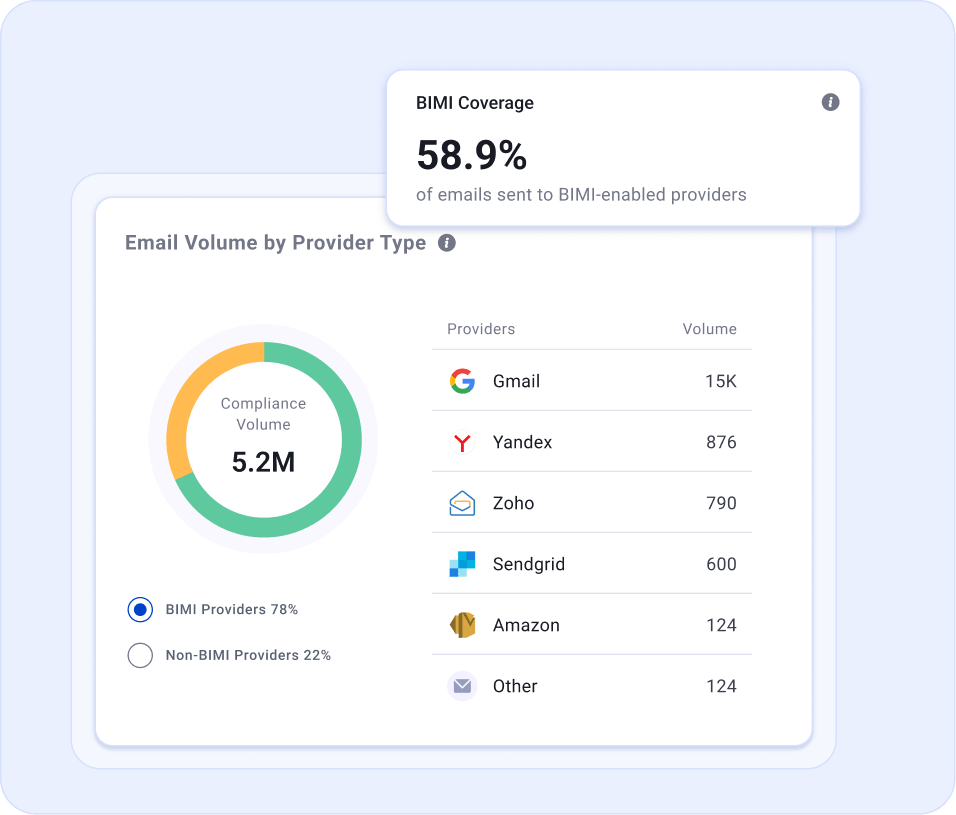
Know where BIMI has a reporting surface.
See how much of your reported mail volume comes from providers that return BIMI-related data, and how that mix changes over time.
- BIMI-reporting vs. other provider volume
- Coverage by provider
- Changes in provider mix
Catch changes instead of discovering them later.
Follow successful and failed BIMI outcomes over time so a change in authentication or BIMI configuration is easier to spot.
- Daily outcome trend
- Success and failure movement
- Historical comparison
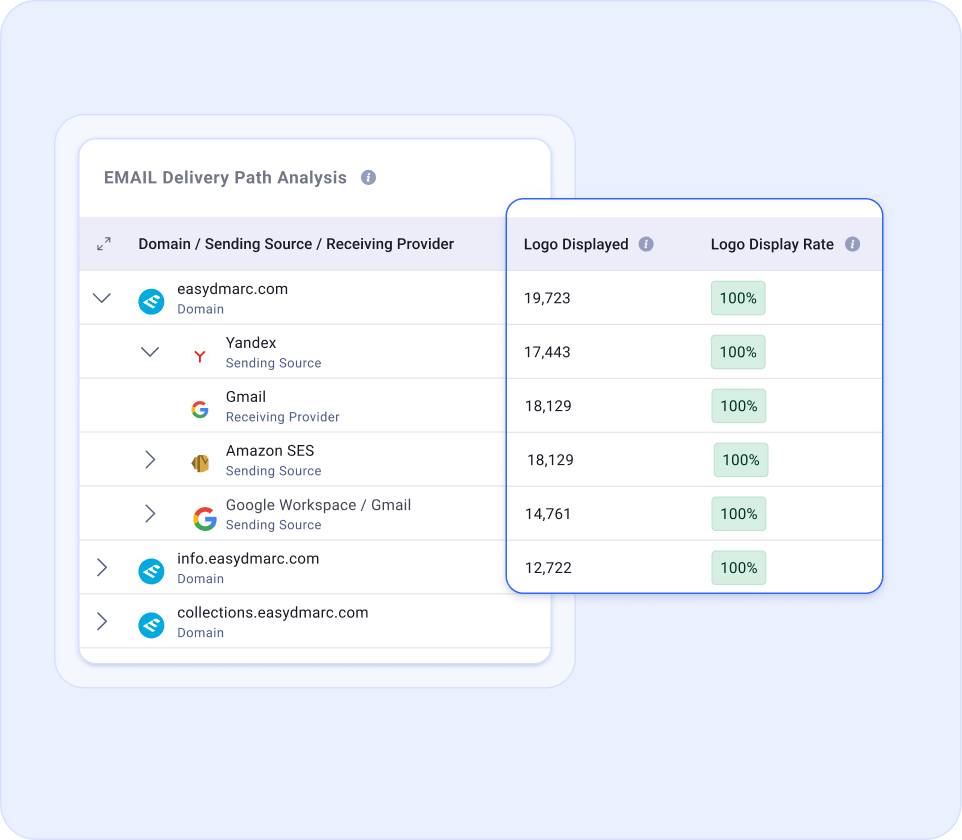
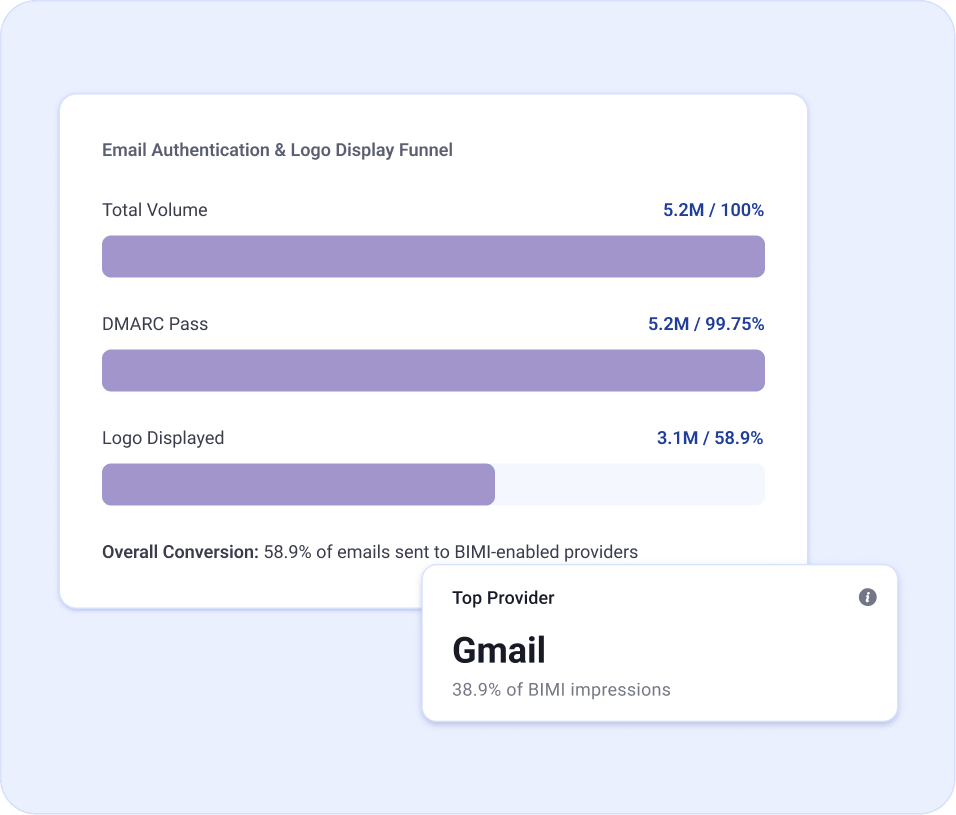
See whether the gap starts with authentication or BIMI.
Compare reported DMARC-authenticated traffic with BIMI outcomes to narrow down where investigation should start.
- DMARC-authenticated volume
- Reported BIMI outcomes
- Stage-to-stage gap
BIMI Reporting is based on receiver-reported data. It is not pixel-based open tracking and does not claim that an individual recipient viewed the logo.
BIMI reporting across a complex domain portfolio.
See what needs attention, understand why, and report BIMI consistently across the domains your teams operate.
See which domains are performing differently.
Compare provider coverage and reported BIMI outcomes across brands, business units, and sending domains.
- Compare domains and mailbox providers
- Surface domains with lower reported coverage
- Track changes across the portfolio over time
Outcome
Prioritize the domains that need attention instead of reviewing the entire portfolio one domain at a time.
Give every team the same answer.
Security, IT, and Marketing can work from the same reporting instead of piecing together separate views of authentication and brand visibility.
- Separate authentication gaps from BIMI outcome gaps
- See what changed after configuration updates
- Review provider-level results from one reporting model
Outcome
Route the right issue to the right team faster, with Security, IT, and Marketing working from the same evidence.
Track BIMI without rebuilding the report every time.
Use consistent reporting across domains to follow coverage, reported impressions, and changes over time.
- Monitor trends across reporting periods
- Identify outliers that need investigation
- Share consistent BIMI metrics across stakeholders
Outcome
Keep a repeatable BIMI view across the portfolio without rebuilding reports for every domain or reporting cycle.
Measure BIMI here. Manage it end to end with Managed BIMI.
If BIMI is not deployed yet, Managed BIMI handles the setup, hosted assets, validation, certificate-readiness guidance, and ongoing record management. You publish one CNAME, then BIMI Reporting gives you visibility into the receiver-reported outcomes.
90,000+
organizations use EasyDMARC
BIMI Reporting extends the authentication data already in EasyDMARC with provider-level BIMI reporting for teams that need visibility after deployment.
Common questions about BIMI Reporting
Have more questions?
Ask via Live Chat or Contact Us
What is BIMI Reporting?
BIMI Reporting helps you understand your email brand visibility through reporting data, provider coverage, and authentication results.
What information does EasyDMARC BIMI Reporting show?
It includes brand impressions, BIMI coverage, provider breakdowns, impression trends, and an authentication-to-logo-display funnel.
Are brand impressions confirmed logo views?
Treat brand impressions as potential logo displays based on available reporting data, rather than proof that each recipient saw your logo.
What does BIMI coverage mean?
BIMI coverage represents the proportion of your email traffic sent to providers that support BIMI.
How is BIMI Reporting different from Managed BIMI?
Managed BIMI supports deployment and management of BIMI assets and records. BIMI Reporting focuses on visibility and performance analysis.
Can BIMI Reporting help investigate missing brand logos?
It can help identify provider differences and authentication issues that may affect logo eligibility. Mailbox providers control whether logos appear.
Does BIMI Reporting guarantee logo display or inbox placement?
No. Reporting provides visibility; it does not override mailbox-provider requirements or filtering decisions.
How can I confirm access to BIMI Reporting?
Contact the EasyDMARC team to confirm availability for your plan and the setup required for your domains.