APRF Record Generator
Create a valid APRF record, then publish it in your DNS to start receiving inbox placement and engagement reports.
Generated results for
Recognized as a Leader by Experts










Validate Your APRF Record with EasyDMARC
EasyDMARC’s APRF Record Checker looks up the APRF record on your DKIM signing domain and validates it against the current specification — the version tag, the reporting address, and whether the domain receiving your reports is authorised to accept them.
Enter a domain and we’ll find your selectors, detect a wildcard record if you have one, and explain anything that’s wrong. No record yet? Our APRF Record Generator creates one in a few clicks.
Start Free Trial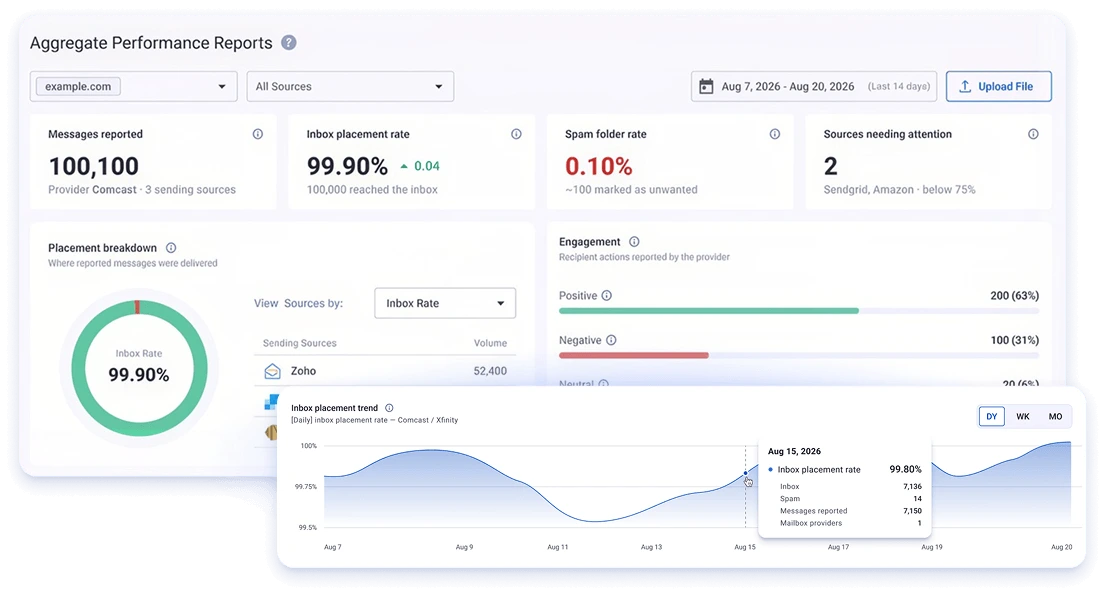
What Is APRF?
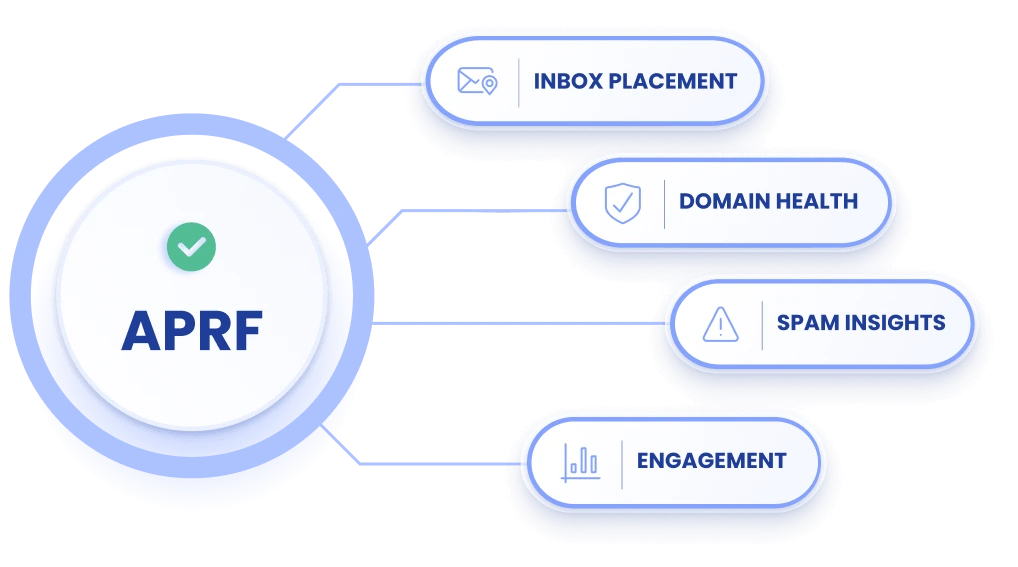
APRF (Aggregate Performance Reporting) is an emerging email standard being developed at the IETF. It sets out how mailbox providers can send senders a daily report on the mail they received: how much reached the inbox, how much was filtered to the spam folder, and what recipients did with it — the placement and engagement data senders have never had direct access to before.
Setup mirrors DMARC. You publish a TXT record naming a reporting address, and supporting providers send a daily JSON report to it. Discovery is based on the domain and selector in your DKIM signature, so one wildcard record can cover every platform sending on your behalf.
Comcast and Xfinity are the first providers to implement it, and currently the only ones sending reports. Adoption is at an early stage.
Why Use EasyDMARC for APRF?
Validation against the specification
Version tag, reporting address format, and segmentation syntax checked against the draft, with plain explanations of anything wrong.
Reporting URI address verification
We check whether the domain receiving your reports has authorised it, which providers may require before sending.
Wildcard and selector detection
We find your selectors and detect a wildcard record, so you don’t need to know your setup in advance.
Reports read for you
On the platform, we receive the reports and show placement and engagement per sending source rather than raw JSON.
Built alongside your other records
APRF sits next to DMARC, SPF, DKIM and BIMI in one place.
Early on a new standard
We’ve been testing APRF since the first provider implementation.
What is an APRF record?
A TXT record in your DNS that tells mailbox providers you want reports on how your mail performed, and where to send them. It’s published at <selector>._aprf._domainkey.<your signing domain>.
What does APRF tell me that DMARC doesn’t?
DMARC reports tell you whether your mail authenticated and what your policy did about it. They say nothing about where the message ended up. APRF reports the placement — inbox or spam folder — and how recipients engaged.
Which mailbox providers support APRF?
Comcast and Xfinity are sending reports today. Google co-authored the standard, and the authors have had interest from other providers, but no others have implemented it yet.
Which domain do I use — my From domain or my signing domain?
Your DKIM signing domain, the d= value in your DKIM signature. It’s often a subdomain of your main domain, and sometimes your sending platform’s own domain. Our DKIM tool will show you.
Do I need a record for every sending source?
No. A wildcard record covers every selector on your domain, including ones added later.
Why is my sending platform not covered?
APRF is based on the signing domain. If a platform signs with its own domain rather than yours, only that platform can enable reporting for it.
What do the reports look like?
A JSON file per day per sending source, delivered by email. It contains counts of messages by placement and counts of recipient actions.
Why are the numbers approximate?
Providers report volumes in bands and round up to protect recipient privacy — anything from 1 to 100 messages may be reported as 100. A reported zero is exact.
Is APRF a finished standard?
Not yet. It’s an IETF draft, not yet adopted by a working group, and details may change.
Do I need an EasyDMARC account?
No. These tools are free and need no account. An account is only needed if you want us to receive and interpret the reports for you.