DMARC Reporting & Monitoring for Safe Enforcement
Turn DMARC aggregate and failure reports into clear, actionable visibility across your email infrastructure. Monitor every sending source and safely enforce DMARC without disrupting legitimate email.
14-day free trial. No credit card required.
Recognized as a Leader by Experts








Compliant with Industry Standards


90,000+ organizations trust EasyDMARC
Monitor, Enforce, Maintain
Our DMARC monitoring service identifies legitimate sending sources, helps resolve SPF and DKIM issues, and guides your domain safely toward p=reject.

Analyze DMARC Reports Without the Complexity
Gain full visibility into your email ecosystem and understand exactly who is sending on your behalf.
- Identify all legitimate sending sources
- Detect unknown or unauthorized senders
- Get vendor-level visibility across your ecosystem

Safely Move Toward Enforcement
Turn insights into action and build confidence as you progress from p=none to p=reject.
- Configure your legitimate sources with SPF and DKIM
- Monitor authentication results in real time
- Move toward enforcement without risking business-critical email
Continuous Protection After Enforcement
DMARC doesn’t stop at p=reject, and neither do we.
- Continuously monitor for new or changing sources
- Detect issues before they impact delivery
- Stay in control of your email ecosystem at all times
Built to Turn DMARC Reports Into Action
EasyDMARC’s DMARC reporting service automatically collects, classifies, and visualizes your reports, helping you identify sending sources, resolve SPF and DKIM failures, and maintain enforcement over time.
From Raw XML to Clear Insights
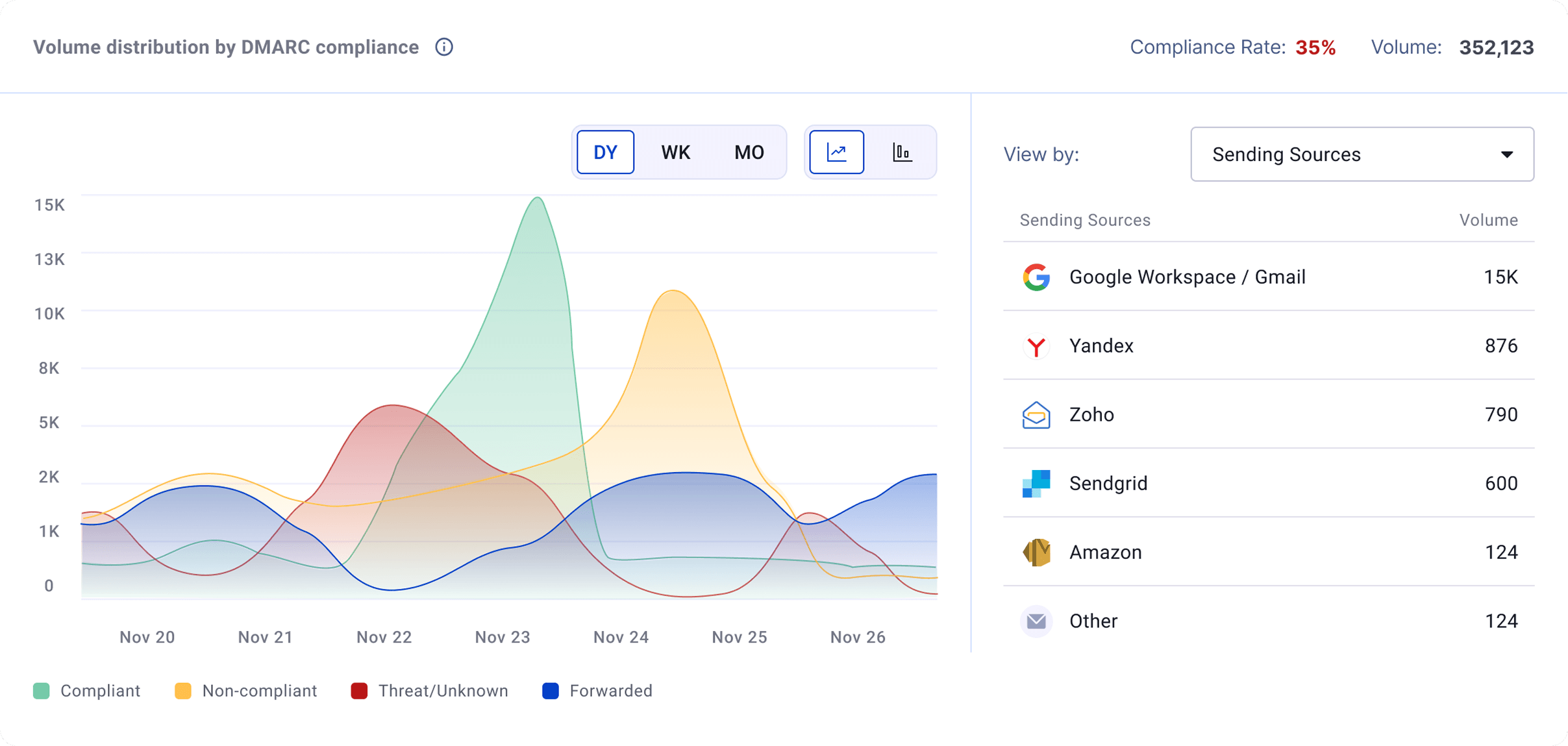
Turn complex DMARC XML files into structured, easy-to-understand dashboards so you can analyze, monitor, and act with confidence.
- View reports automatically classified and grouped by EasyDMARC’s algorithm
- Identify all sending sources and their authentication results
- Get vendor-level visibility for each sending source
- Access blacklist checks to surface potential risks
- Use advanced filtering to investigate specific data points
- Geolocation insights: Understand where your email traffic is coming from
Guidance Directly Within the Workflow
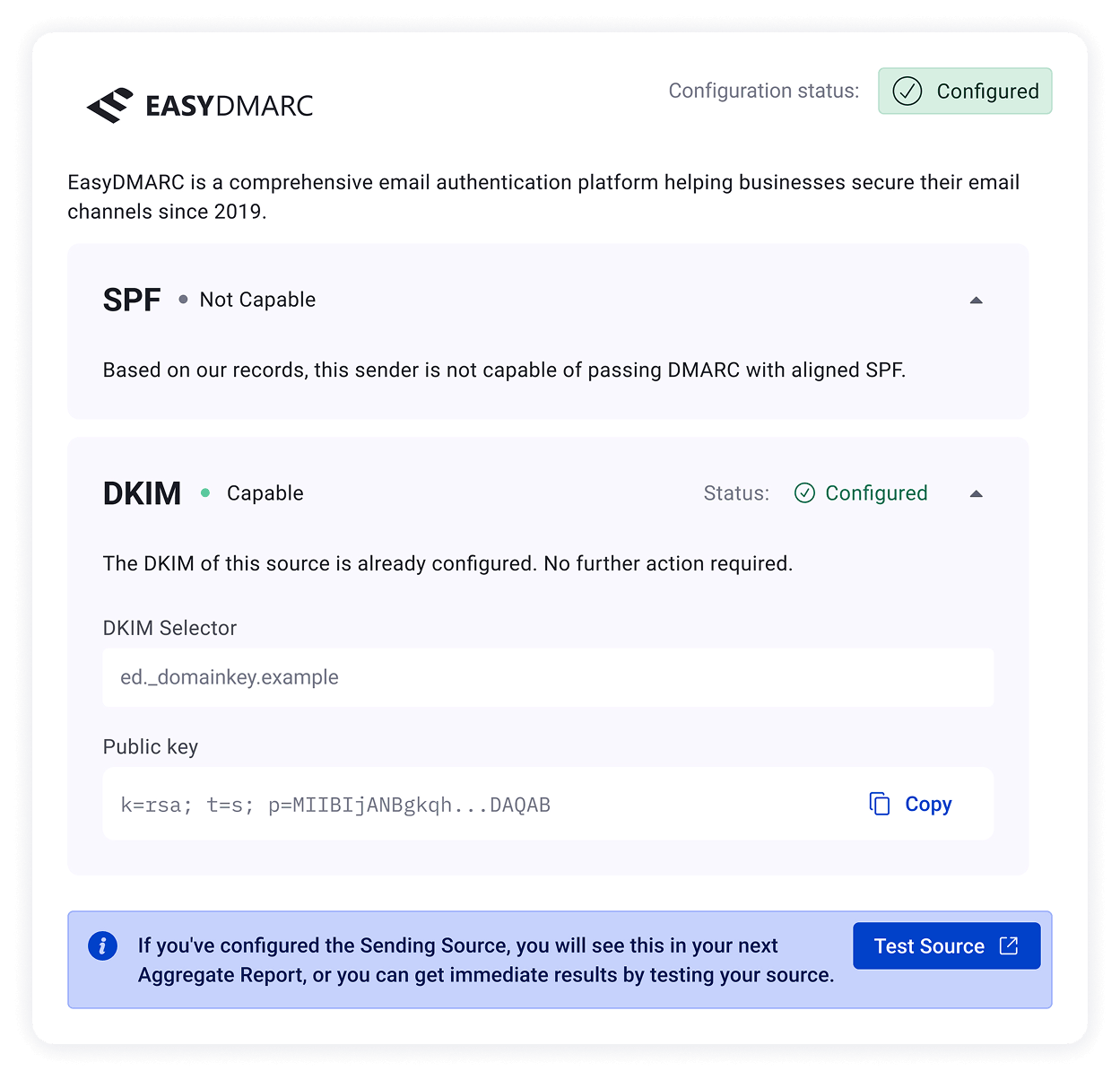
Get step-by-step guidance to configure SPF and DKIM for every sending source.
- Identify exactly which sources require configuration and fixes
- Access source-specific SPF and DKIM setup guidance
- Validate authentication across all senders
Your Deep-Dive Into Authentication Issues
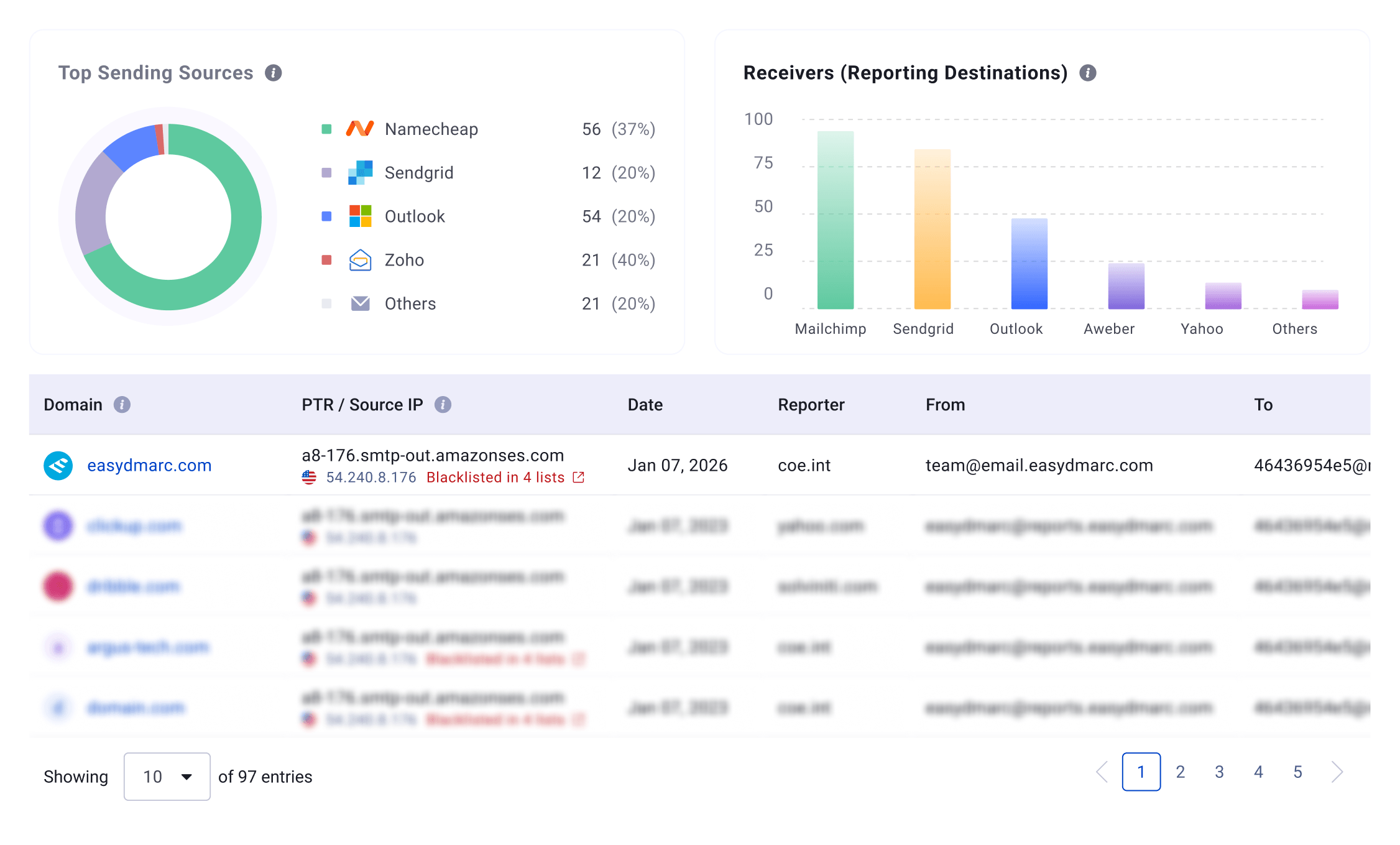
Access detailed forensic reports for emails that fail authentication checks.
- View full email details, including the 'From:' address, subject line, the exact date, and the email header of the email in question.
- Analyze the sources sending emails on behalf of your domain
- Use advanced filtering to investigate issues and generate detailed reports
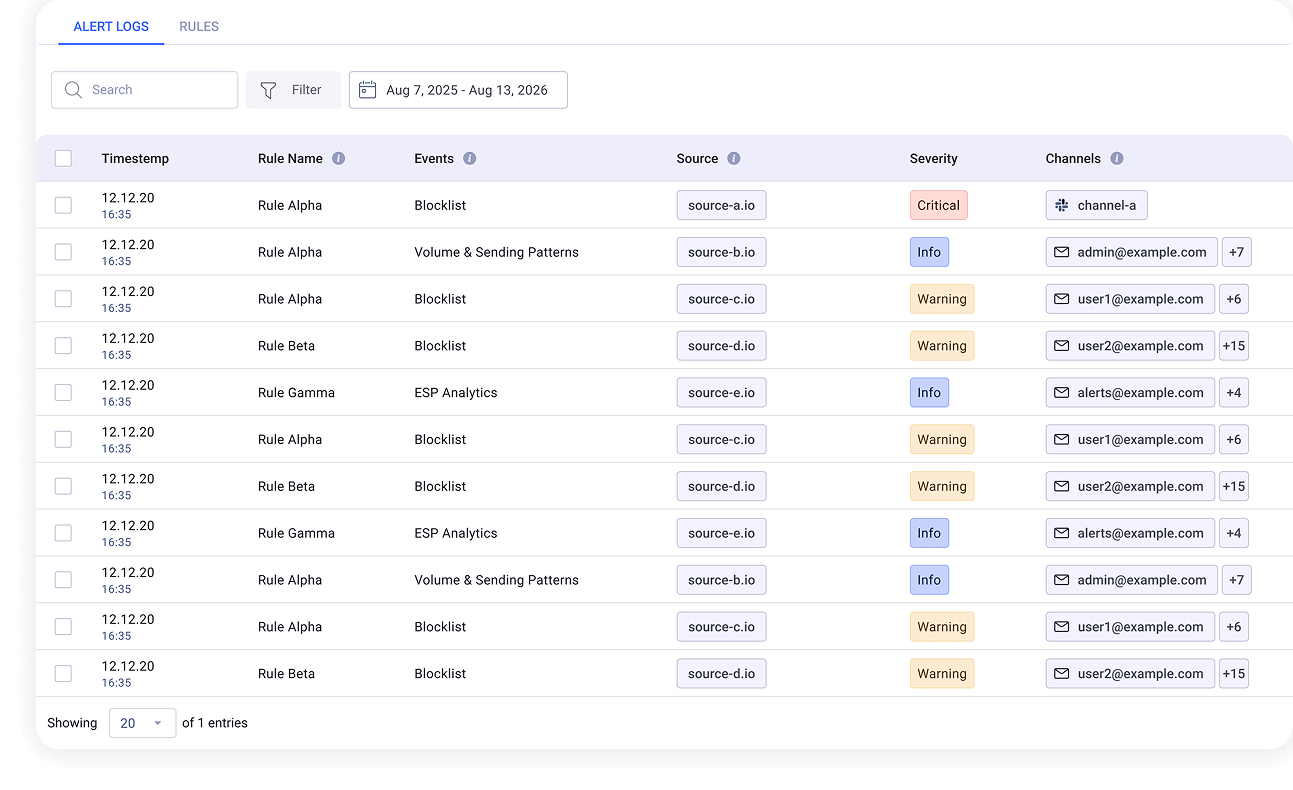
Stay in Control with Proactive Alerting
Go beyond DMARC monitoring. Get notified the moment something changes, breaks, or requires your attention.
DNS Records: Monitor DMARC, SPF, and DKIM records and get alerted when they change or fail validation.
Blocklist: Track your domain reputation and receive notifications if your domain is listed or removed from blocklists.
Email Volume: Detect unusual activity with alerts based on changes in compliant, non-compliant, or suspicious email traffic.
What Customers Say
The platform made it simple to reach full DMARC compliance, gave us clear visibility into our domain activity, and significantly reduced spoofing attempts. The reporting and dashboards are easy to understand and help us process data quickly, which has been a huge operational win.
Julio C. Calcano
IT Security & Systems Manager at Key Food Stores Co-Operative Inc.
What are DMARC reports?
DMARC reports are XML files that mailbox providers send to the addresses published in your DMARC record. Aggregate (RUA) reports show which sources send mail on behalf of your domain and whether those messages passed SPF, DKIM, and alignment checks. Failure (RUF) reports, where providers send them, add per-message forensic detail about individual authentication failures.
How do I analyze DMARC reports?
Collect the raw XML reports in one place and normalize them into readable data. Identify each sending source, check whether it passes SPF and DKIM with alignment, and diagnose the failures that belong to legitimate senders. Prioritize fixes by mail volume, then use the results to decide when the policy is ready to move toward enforcement. EasyDMARC automates the collection, parsing, and source identification steps.
What is the difference between DMARC monitoring and DMARC reporting?
DMARC reporting organizes the data your domain receives: parsed aggregate reports, identified sending sources, and authentication results. DMARC monitoring is the ongoing process built on top of that data: watching sources, authentication rates, DNS record changes, and anomalies over time so changes are caught when they happen.
Why is DMARC monitoring important?
Because email environments keep changing. Teams add new sending services, providers update infrastructure, and DNS records get edited. Continuous monitoring catches the authentication failures those changes cause early, which protects legitimate mail and keeps enforcement decisions safe as your setup evolves.
Start monitoring your DMARC reports and move toward enforcement with confidence
14-day free trial · No credit card required
Start monitoring