- ProductsEasyDMARC
Outbound email security
EasySenderEmail deliverability
TouchpointMSP lead generation
MSPSimplify Your DMARC Experience
Solve email security issues in just a few clicks. Stay safe and maintain the health of your domains without risk.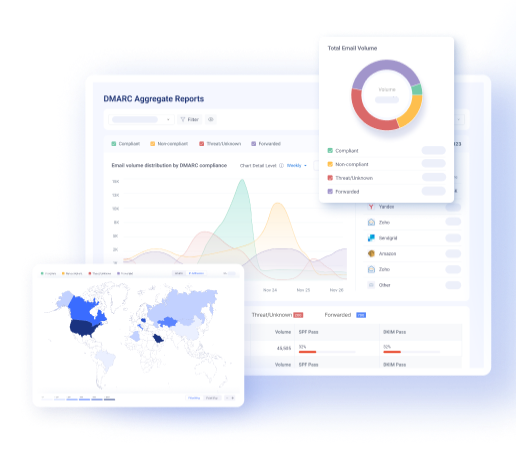
All-In-One Email Deliverability Platform
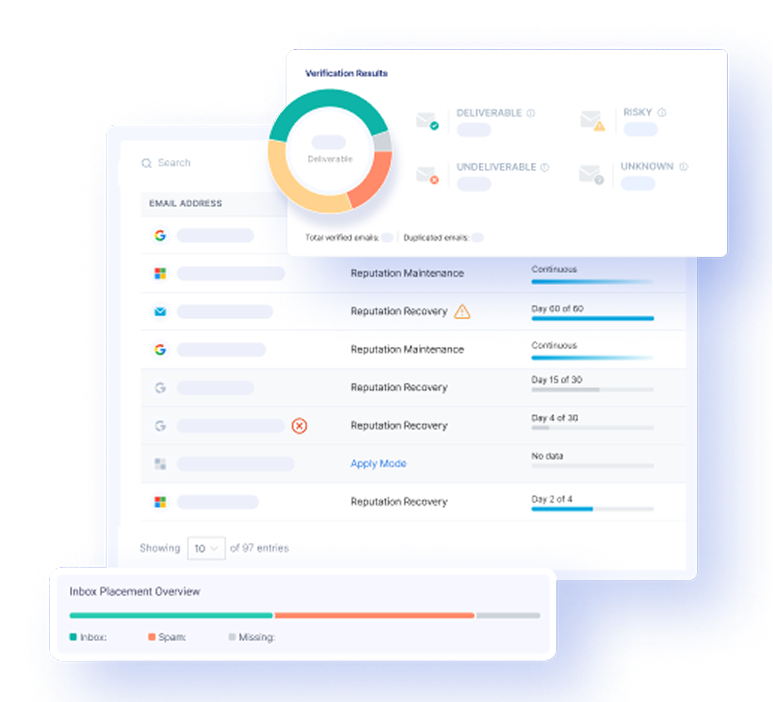
Reach maximum email deliverability by maintaining a good sender reputation. We help you to get the most out of your campaigns by increasing your opens, clicks, and reply rates.- Inbox Placement Tests

Signal-Based
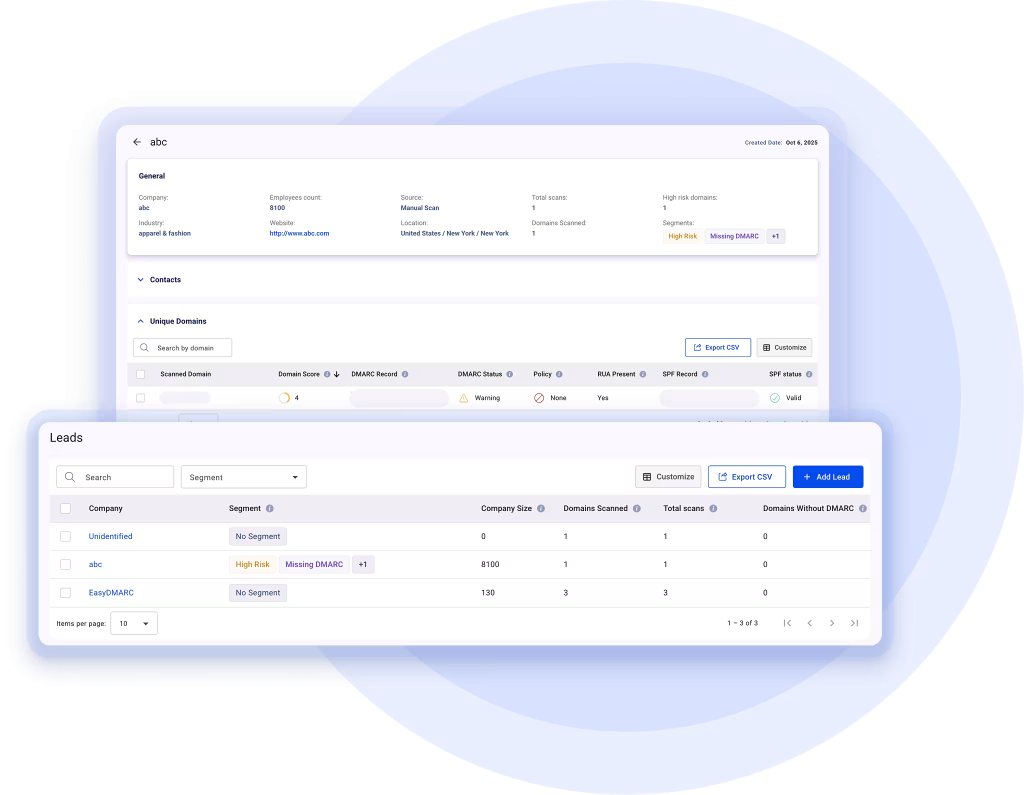
MSP Pipeline.Qualified accounts, verified IT decision-makers, and buying signals in one place. Built for MSPs.
- ToolsEmail DeliverabilityNew
- Pricing
- Resources
 Mastering Email Protection and Implementation:
From Basics to Expert with EasyDMARC Academy
- Industries
- MSPs & Resellers


- ProductsEasyDMARC
Outbound email security
EasySenderEmail deliverability
TouchpointMSP lead generation
MSPSimplify Your DMARC Experience
Solve email security issues in just a few clicks. Stay safe and maintain the health of your domains without risk.All-In-One Email Deliverability Platform
Reach maximum email deliverability by maintaining a good sender reputation. We help you to get the most out of your campaigns by increasing your opens, clicks, and reply rates.- Inbox Placement Tests
Signal-Based
MSP Pipeline.Qualified accounts, verified IT decision-makers, and buying signals in one place. Built for MSPs. - ToolsEmail DeliverabilityNew
- Pricing
- ResourcesMastering Email Protection and Implementation:
From Basics to Expert with EasyDMARC Academy
- Industries
- MSPs & Resellers