
Maintaining a healthy and valid email list is important for successful outreach. Over time, lists tend to decay by almost 28% every year. The main reasons for the decay or invalidation of email lists are typos, disposable email addresses, job changes, full mailboxes, or spam traps designed to catch unauthorized senders.
If you keep sending emails to such addresses, your bounce rates will go up, weakening your sender reputation and taking a toll on your deliverability. Not to mention the time, effort, and money wasted on carefully strategizing and optimizing newsletters, cold outreach, or transactional emails.
This is exactly where credible email verification tools come in. They validate every address before you hit send and ensure your campaigns target only active and valid inboxes. This guide includes the 7 best email verification tools in 2026, along with their pros and cons.
What is an Email Verification Tool?
An email verification tool checks if an email address is valid, active, and safe to send to, helping reduce bounce rates and improve email deliverability. It works by verifying domain and mailbox existence, identifying disposable or risky addresses, and filtering out inactive inboxes.
They ensure your emails reach the intended recipient, improving the ROI and performance of your campaign while enhancing the sender’s reputation.
Why Do You Really Need Email Verification Tools?
Email verification tools are not just optional add-ons; they are instead an essential part of your email campaigns. Without regular verification, it’s easy for the campaigns to silently lose reach, credibility, and engagement over time. Here is a more detailed explanation of why these tools matter:
1.To Reduce Bounce Rates
If you don’t verify email addresses and keep sending messages to invalid or inactive ones, you will trigger hard bounces that damage sender reputation. Verification tools identify such addresses before you send, allowing only deliverable ones to stay on your list. This keeps bounce rates under the critical 5% threshold and helps maintain consistent inbox placement across mail providers.
2. To Improve Sender Reputation
Mailbox providers like Gmail and Outlook track your sending behavior. Too many invalid or spam trap hits make your domain look suspicious. A verification tool filters these risky addresses, ensuring your sender score remains high and your future campaigns are trusted by spam filters.
3. To Save Marketing Costs
Every undeliverable email still consumes sending resources and costs you in platform fees. Email verification helps you pay only for genuine, reachable contacts. This improves ROI by ensuring your marketing budget targets real prospects instead of wasted sends.
4. To Maintain Accurate Data
When fake or inactive addresses stay on your list, open and click rates appear lower than they actually are. By verifying your list, you work with clean data that reflects true audience engagement, helping you make smarter marketing decisions and improve campaign performance.
8 Best Email Verification Tools
Now that you know the features to look for in the best email verification APIs, it’s time for you to figure out which one of the following tools is best-suited for your business. Here is a quick comparison before we check out the details of the 7 tools:
| Tool | Starting Price | Accuracy Level | Best For |
| EasySender by EasyDMARC | Paid plan starts from $2.7/month. Free plan offers up to 200 verifications | High | Marketers needing verification and deliverability monitoring |
| NeverBounce | $0.008/email (pay-as-you-go) | Good | Small teams cleaning mid-size lists |
| Snov.io | $39/month | Very good | Sales teams combining lead generation, verification, and outreach |
| Emailable | €25.50/month | Good | Marketing teams automating list cleaning |
| ZeroBounce | $15/month | Very Good | Enterprises needing metadata and inbox testing |
| Hunter | $40/month | Moderate | Sales teams verifying leads quickly |
| Clearout | $31.5/month | Good | B2B marketers and lead generation |
| Bouncer | $50/month | Moderate | Small business email marketing teams |
1. EasyDMARC’s EasySender
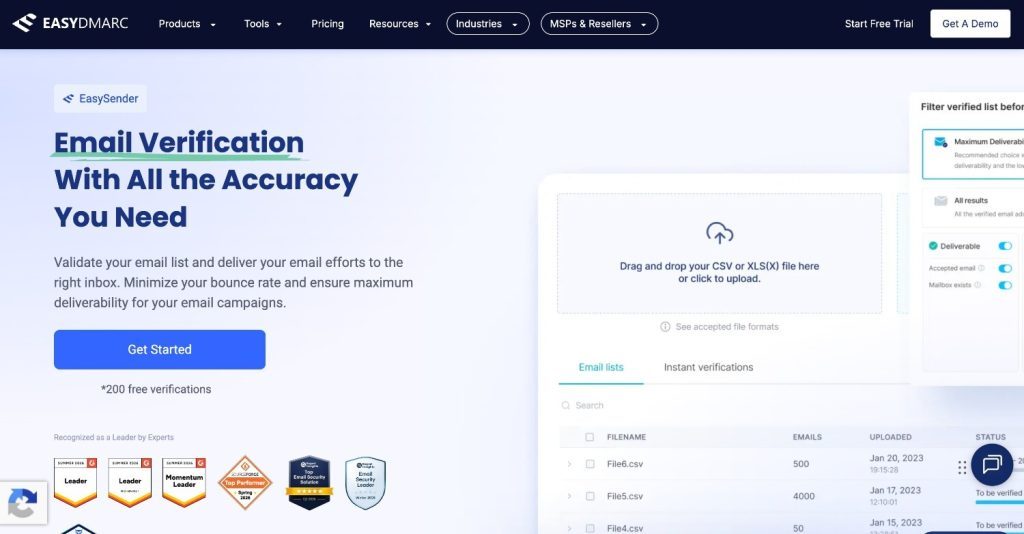
EasySender by EasyDMARC is a complete email deliverability and verification platform built to help businesses maintain a clean sender reputation and achieve consistent inbox placement. It combines powerful list-cleaning capabilities with advanced deliverability monitoring.
Along with syntax, domain, and SMTP validation, it detects disposable emails, spam traps, and role-based addresses to ensure campaigns reach only active and safe inboxes. Its real-time API and bulk verification make it ideal for both marketers and security-focused teams.
What sets EasySender apart is its integration with email authentication tools such as an SPF validator and a DKIM validator, alongside DMARC verification, allowing users to improve both deliverability and domain authentication from one dashboard.
Pros:
- Combines verification with deliverability and reputation monitoring.
- Detects spam traps, disposable, and role-based addresses accurately.
- Real-time API and bulk list verification for scalability.
- Integrated with DMARC, SPF, and DKIM insights for complete email health visibility.
- Intuitive interface with fast processing and reliable results.
Cons:
- Advanced deliverability analytics may feel extensive for smaller teams.
Best for: EasySender is best suited for businesses, marketers, and security teams that want an all-in-one solution to verify emails, monitor deliverability, and strengthen domain authentication without juggling multiple tools.
Pricing: The free plan allows upto 200 email verifications. The subscription plan starts from $2.7/ month.
2. NeverBounce
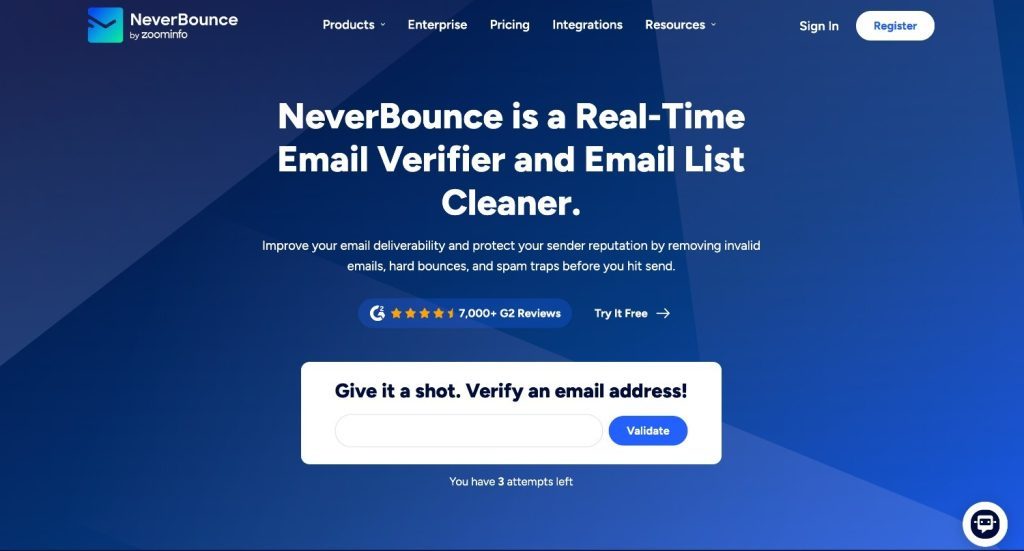
NeverBounce is a well-known email verification tool that focuses on real-time list cleaning and bulk verification. It performs syntax, domain, and mailbox checks and integrates with several CRMs and marketing platforms. While it’s fairly accurate in detecting invalid and disposable emails, users often report slower bulk processing times for large lists and limited reporting depth. The pricing can also scale quickly for high-volume verifications, making it less ideal for growing teams seeking consistent performance insights.
Pros:
- Decent accuracy for small and mid-size lists.
- Integrates with tools like HubSpot, Mailchimp, and Zapier.
Cons:
- Reports lack detailed deliverability insights.
- Processing speed drops with large datasets.
- Costs add up quickly for frequent verifications.
Best for: Enterprises and startups wanting to adhere to strict email provider guidelines.
Pricing: Pay-as-you-go plans start at $0.008 per email.
3. Snov.io
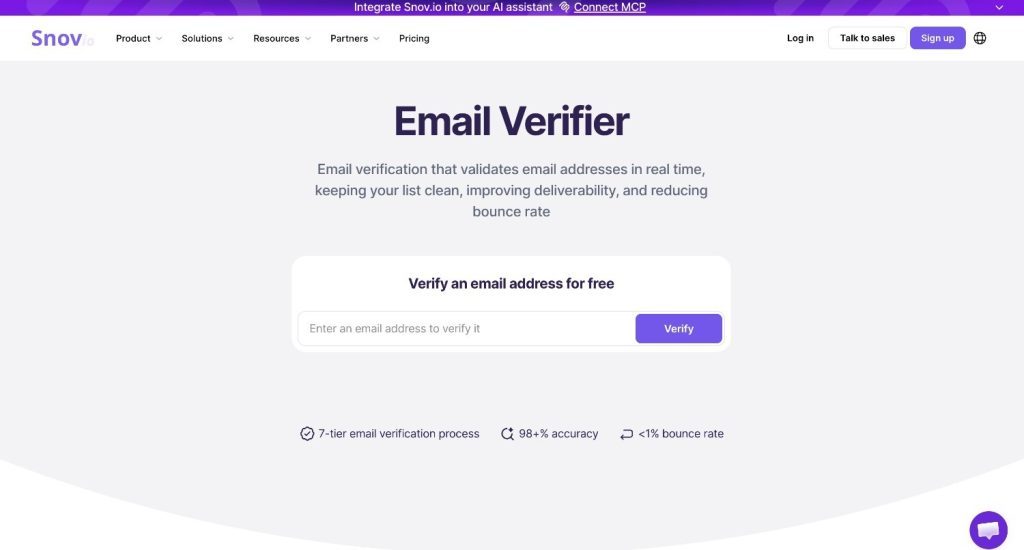
Snov.io combines email verification with lead generation and sales outreach, making it a practical choice for teams that want more than just list cleaning. In addition to verifying email addresses through syntax, domain, MX, and mailbox checks, it helps users find verified B2B contacts, automate cold email campaigns, and keep contact databases up to date. This makes it especially useful for sales and marketing teams that want to manage prospecting and verification from a single platform.
Pros:
- Combines email verification, email finding, and outreach automation.
- Bulk and real-time email verification with detailed validation results.
- Integrates with CRM platforms and sales workflows.
- Helps reduce bounce rates while supporting lead generation.
Cons:
- Advanced sales engagement features may be unnecessary for users who only need basic email verification.
- Some automation capabilities are available only on higher-tier plans.
Best for: Sales teams, recruiters, and B2B marketers looking for an all-in-one platform that combines email verification with prospecting and outreach automation.
Pricing: Free plan available with monthly credits. Paid plans start from $39/month.
4. Emailable
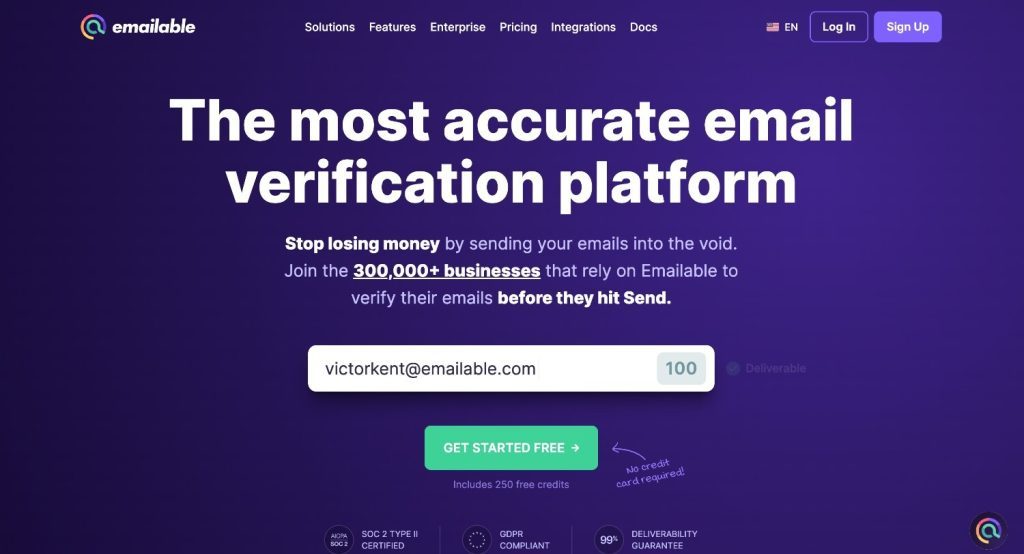
Emailable offers bulk, real-time, and single-email verification, making it a convenient option for teams managing multiple campaigns. Its processing speed is good, and the automated verification feature works directly inside connected databases, saving time for marketing teams.
Despite the smooth installation and flexible import options, the platform occasionally misses hard bounces, which can affect sender reputation if not caught early. The reporting dashboard could also be clearer in how it displays verification statuses and risk categories, which limits its usefulness for data-driven decision-making.
Pros:
- Fast list cleaning with real-time and bulk verification.
- Easy installation and integration with tools like Mailchimp.
- Automated verification within team databases.
Cons:
- Occasionally misses hard bounces, risking minor deliverability issues.
- The interface can be confusing when interpreting the verification results.
- Reporting lacks advanced insights into sender reputation.
Best for: Marketers looking to improve deliverability and email marketing campaign ROI.
Pricing: Free version with limited credits available. Subscription plans start at 25,50€/month, while pay-as-you-go plans start at 0,006€ per credit.
5. Zerobounce
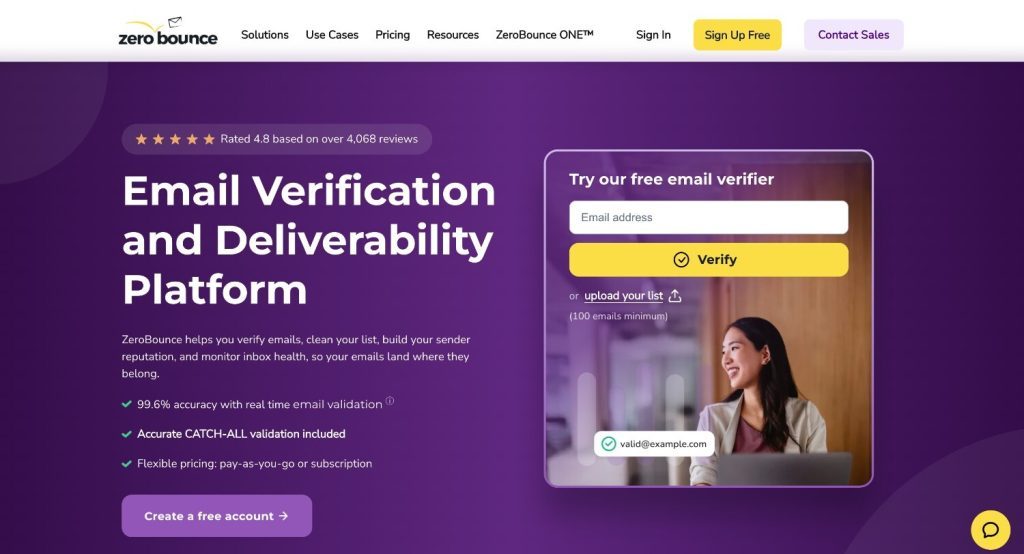
Zerobounce validates email addresses and provides metadata insights, such as geolocation and name matching, helping marketers refine their targeting. The platform is known for its reliable accuracy and additional email deliverability toolkit, which is a step beyond basic verification. Additionally, this email verification tool includes inbox placement testing and blacklist monitoring, providing users with a clearer view of their email health and deliverability scores.
Pros:
- Strong accuracy and an additional deliverability toolkit.
- Responsive and helpful customer support.
- Detailed metadata for deeper audience insights.
Cons:
- The results are downloadable as a .zip file, which isn’t entirely convenient.
- Integration with specific third-party tools requires additional setup.
- Some features are more suited to enterprise use than small teams.
Best for: Marketers or business owners looking for an email verification tool with built-in email-finding features.
Pricing: Subscription plans start at $15/month, while pay-as-you-go plans start at $0,008 per credit.
6. Hunter
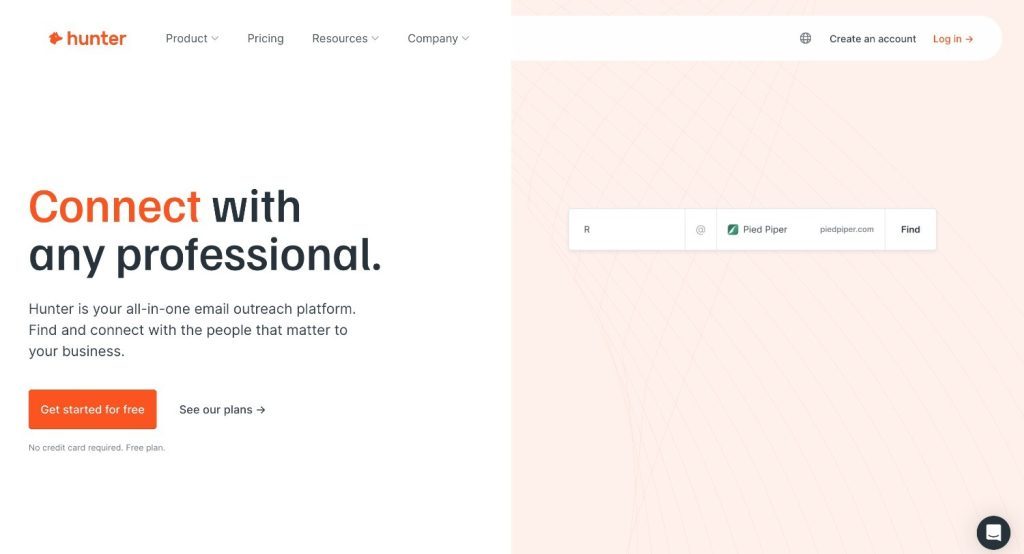
Hunter is primarily known for its email-finding capabilities, but it also offers an integrated verification feature that checks syntax, MX records, and SMTP responses. It’s convenient for sales teams that need to verify prospects’ emails right after discovering them, helping reduce bounce rates during outreach.
On the other hand, Hunter’s verification side is fairly basic compared to dedicated tools and lacks advanced deliverability metrics and spam-trap detection. It’s better suited for quick checks rather than large-scale list cleaning or reputation management tasks.
Pros:
- Combines email discovery and verification in one platform.
- Easy to use for small campaigns and sales prospecting.
- Real-time validation during lead generation.
Cons:
- Limited reporting and no detailed deliverability insights.
- Lacks advanced features like spam trap or blacklist detection.
- Less suitable for high-volume or compliance-focused users.
Best for: Sales representatives, recruiters, and marketers working for businesses of all sizes.
Pricing: Free version with limited credits available. Subscription plans start at $40/month.
7. Clearout
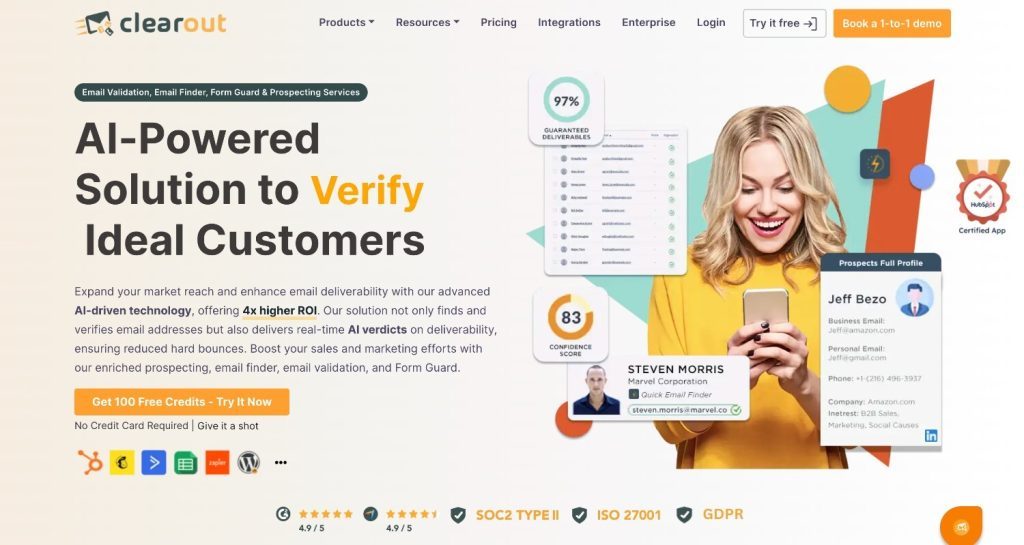
Clearout is a versatile tool that supports both instant and bulk email verification, making it suitable for marketers managing lists of any size. Users can upload lists in CSV or XLSX format and even verify emails directly in Google Sheets via its add-on, eliminating the need for repeated uploads. Its API also supports instant and bulk verification, providing flexibility for teams looking to integrate it into custom workflows.
However, while it performs well in real-time validation, it lacks direct CRM integrations and campaign scheduling, which limits its usefulness for end-to-end campaign management.
Pros:
- Supports instant, bulk, and Google Sheets-based verification.
- Includes an API for real-time and large-scale validation.
- Additional tools like LinkedIn prospecting and email finder features.
Cons:
- No built-in campaign scheduling or automation.
- Relies on Zapier or Make for most CRM integrations.
- More features focused on lead generation than long-term deliverability.
Best for: Lead generation specialists looking for verified contact details of target B2B professionals.
Pricing: Free version with limited credits available. Subscription plans start at $31.5/month, while pay-as-you-go plans start at $0.007 per credit.
8. Bouncer
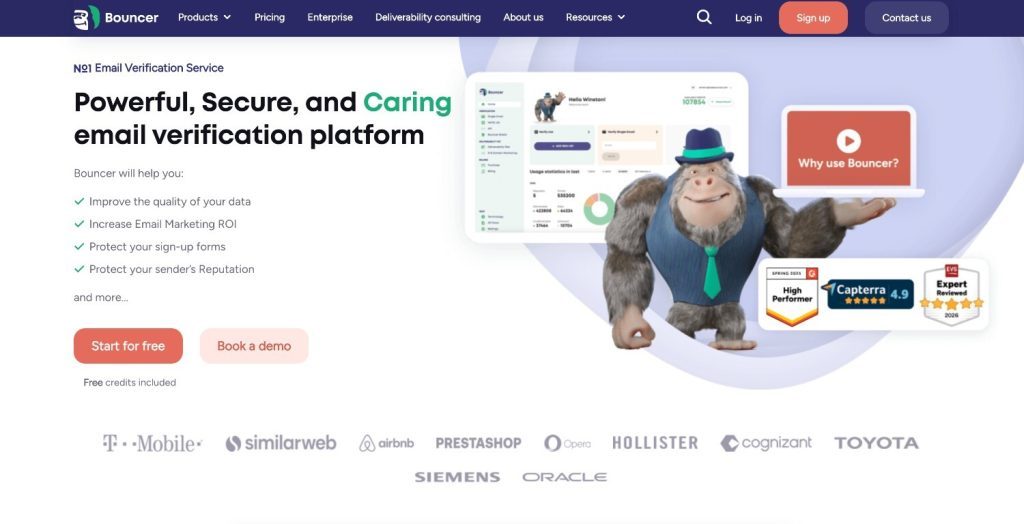
Bouncer is an easy-to-use email verification tool designed to help teams clean and validate email lists quickly. It performs standard syntax, domain, and SMTP checks to filter out invalid or risky addresses, keeping bounce rates under control. The platform also offers a user-friendly API for real-time verification, making it easy to integrate into web forms or CRMs.
While its accuracy is generally good, Bouncer’s analytics and reporting features are pretty limited, offering little insight into overall deliverability trends or sender reputation. It works best for basic validation but lacks the deeper intelligence that advanced users may need.
Pros:
- Simple interface and quick verification process.
- Real-time API integration for web forms and applications.
- Good accuracy for basic syntax and mailbox validation.
Cons:
- Limited deliverability and reputation analytics.
- Lacks detailed breakdowns in verification reports.
- Not ideal for large-scale or compliance-heavy teams.
Best For: Small business email marketing teams.
Pricing: Free version with limited credits available. Subscription plans start at $50/month, while pay-as-you-go plans start at $0.008 per email.
12 Key Indicators of Good Email Verification Tools
Choosing a good email verification tool directly impacts how many of your messages actually reach real inboxes. The right tool not only filters out invalid or risky addresses but also helps strengthen your sender reputation, resulting in an impressive campaign ROI. So, whenever you look for the best email verification APIs, judge them based on these 12 key indicators that actually improve deliverability and not just “check syntax.”
Syntax Validation
This step ensures that every email address follows the correct format, such as [email protected]. It quickly eliminates entries with typos, extra symbols, or missing characters that would cause delivery failures.
SMTP and Domain Validation
The tool connects to the mail server via SMTP and uses an MX record checker to verify that the domain has valid MX records. This confirms the domain’s ability to receive emails, improving deliverability and reducing bounce rates.
MTA Validation
Mail Transfer Agent validation verifies that the receiving server is active and ready to accept messages. It helps detect unreachable servers that could harm your sender’s reputation.
Disposable Email Detection
This identifies temporary or one-time-use email addresses often used for sign-ups or spam. Removing them keeps engagement metrics accurate and prevents future bounces.
Spam Trap Detection
The tool compares your list against known spam trap databases. It protects your domain from being flagged by ISPs and keeps your sender score intact.
Yahoo!, AOL, Mail.ru Email Verification
Some providers have stricter anti-spam filters. Specialized checks ensure accurate validation of addresses from these domains, helping maintain consistent inbox placement.
Accept-all Domains Detection
This feature identifies domains that accept all incoming emails regardless of validity. It warns you that further checks are needed before trusting those addresses.
Accept-all Email Verification
A deeper layer of verification that analyzes the response pattern of accept-all servers to predict if a specific mailbox truly exists, reducing false positives.
Mailbox Quota Detection
It checks whether a mailbox is full or near its storage limit. Emails sent to such addresses are likely to bounce, so identifying them early helps maintain clean lists.
Role Account Detection
The tool flags addresses like support@, sales@, or admin@ that belong to departments rather than individuals. Excluding these reduces spam complaints and improves engagement accuracy.
Free Email Address Detection
It marks addresses from free providers such as Gmail, Yahoo, or Hotmail. This allows you to segment lists and focus on business domains for professional outreach.
Email Deduplication
This removes duplicate entries within your email list to avoid sending multiple messages to the same contact, reducing spam risk and conserving sending resources.
Conclusion
Choosing the right email verification tool can make all the difference between hitting inboxes and getting lost in spam. Tools like NeverBounce, Emailable, and ZeroBounce offer reliable verification. On the other hand, EasySender by EasyDMARC takes it a step further by combining verification, deliverability monitoring, and authentication insights in one place. It helps businesses maintain clean lists, monitor domain reputation, and improve overall sender trust.
In 2026, with stricter filtering and evolving spam rules, EasySender stands out as the most comprehensive choice for anyone serious about email deliverability and domain protection.
Ready to get started? Try EasySender free for 200 verifications.
Frequently Asked Questions
Basic email verification tools only check for correct syntax and whether a domain exists. Advanced tools go further by verifying mailbox status through SMTP checks, detecting disposable and role-based addresses, and identifying spam traps. They also provide deliverability insights and sender reputation tracking, helping you understand not just if an email exists, but whether it’s safe and worth sending to.
It prevents sending to invalid or risky addresses, protecting your sender reputation and ensuring your emails reach real inboxes. When your bounce rates drop, inbox placement improves, and your campaigns perform better. Regular verification also helps you avoid blacklists and maintain a trustworthy domain identity in the long run.
You should verify your list before every major campaign or at least once every quarter to remove outdated or invalid contacts. If you collect new subscribers regularly, running real-time verification during sign-ups is even better. This keeps your database fresh and ensures every new contact you add is safe to email.
EasySender combines email verification with deliverability analytics and domain authentication insights, making it an all-in-one solution. It also monitors SPF, DKIM, and DMARC records to improve both sending performance and domain security. This combination helps users achieve better inbox placement while staying compliant with modern email authentication standards.
Yes, by reducing hard bounces and spam trap hits, verified lists strengthen sender reputation and increase inbox placement rates. When ISPs see consistent, low-bounce sending behavior, they classify your domain as reliable. Over time, this leads to higher trust scores and more successful email campaigns.

 We’re glad you joined EasyDMARC newsletter! Get ready for valuable email security knowledge every week.
 You’re already subscribed to EasyDMARC newsletter. Continue learning more about email security with us